Conversation Translator: How Two People Can Talk in Their Own Languages

Julian Mercer
Aug 5, 2026

When you ask for directions abroad, the reply may come too quickly. At a hotel, you may need to confirm a name, room type, and check-in time. When meeting someone new, translating the first sentence is only the beginning—you still need to understand the answer.
These situations call for more than a one-off translation. They require a conversation translator that lets two people continue a question-and-answer exchange.
Conversation translation keeps both languages on one conversation screen. One person speaks, the app displays the original and translated text, and the translation plays aloud. The other person then answers in their own language. Both people can share one phone instead of switching between two one-way translation screens.
What is conversation translation?
Conversation translation is designed for spoken exchanges between two people. Before starting, choose the two languages. Each person then uses the microphone assigned to their own language. A complete turn has four parts:
- Recognize the current speaker's voice and display the original text.
- Translate it into the other person's language.
- Display and play the translation.
- Switch to the other language so the second person can answer.
Earlier messages remain in the same conversation, so follow-up questions about a time, place, or person do not need to repeat the entire background.
How do voice translation, TransGull Conversation Translation, and two-way simultaneous interpretation differ?
| Translation mode | Best suited to | How it works | Use of context | Difference in the result |
|---|---|---|---|---|
| Basic voice translation | Translating one word or sentence | Speak, then view or play one result | Usually handles the current input alone, without knowing the earlier exchange | Word meaning, references, intent, and tone must be inferred from one sentence, so a literal translation may not fit the conversation |
| TransGull Conversation Translation | Directions, dining, hotel check-in, and appointment confirmation | Each person uses the microphone for their own language, one turn at a time | Uses the earlier turns kept in the same conversation to understand the topic and question-answer relationship | Can choose wording that better fits previously mentioned people, places, times, subjects, and terms; an individual message can also be edited and translated again |
| TransGull Two-Way Simultaneous Interpretation | Meetings, social conversations, and longer face-to-face exchanges | Continuously recognizes both languages | Uses the ongoing topic and surrounding conversation to understand the current statement | Helps keep word choices, terminology, tone, and the logic between turns consistent, reducing awkward or misleading sentence-by-sentence translation |
Conversation translation is convenient when you expect several replies or need to check names, numbers, and addresses on screen. For a longer exchange with frequent back-and-forth speech, two-way simultaneous interpretation is usually a better fit.
Context does much more than restore a missing subject or object. It affects which meaning of a word applies in the current situation, what words such as “he,” “there,” or “that time” refer to, whether a sentence is a question or confirmation, how a recurring term should be translated, and whether the wording should sound formal or casual.
For example, while discussing a hotel deposit, the English word charge is likely to refer to a fee. If the earlier conversation is about a dead phone, the same word may mean charging the device. When arranging a meeting, That works usually confirms that the proposed time is acceptable; while troubleshooting equipment, it is more likely to mean that a function operates correctly. Basic one-off translation cannot see that background. TransGull Conversation Translation and Two-Way Simultaneous Interpretation use earlier turns to judge word meaning, references, intent, and appropriate wording instead of translating every sentence in isolation.
When is conversation translation useful?
Directions and transport
After asking where the subway station is, you may need to ask how long the walk takes or which entrance to use. Conversation translation preserves the route discussion so both people can keep confirming details on the same screen.
Restaurants and hotel check-in
Ingredients, dietary restrictions, room types, arrival dates, and departure times often require several questions. After the translation plays, the other person can answer in their own language. Names and numbers can be checked in the original and translated text.
Appointments and short social exchanges
Changing an appointment, confirming a meeting place, or talking with someone you have just met rarely ends after one sentence. Turn-by-turn conversation translation makes it clear which message is being translated and lets you correct one mistaken message without restarting the exchange.
What do you need before using TransGull?
TransGull is a translation app with voice and text input. Its Conversation Translation feature is designed for two people taking turns in a face-to-face exchange. It uses earlier messages as context and automatically plays the translation after each turn.
You need a phone with the TransGull app installed and the two languages that will be spoken. Conversation Translation is not available in a web browser or the PC version. The person speaking taps the microphone for their language. After the other person hears the translation, they answer through the microphone on the other side.
How to use TransGull Conversation Translation
- Select the two languages the participants will speak.
- The first person taps the microphone for their language and starts speaking.
- When finished, tap the microphone again. The app generates the translation and plays it to the other person.
- The second person taps the microphone for the other language and answers in their own language.
Continue in this order to keep the exchange on one screen. The first time you use the microphone, allow the TransGull app to access it. The exact controls are shown in the Conversation Translation guide.
What if speech recognition is wrong?
If a name, place, or number was recognized incorrectly, you do not need to delete the conversation and start again. Tap the pencil icon beside the message, correct the recognized original text, and confirm. The app translates the corrected text again, and you can replay the new translation.
For example, if a hotel name is recognized as a different word, edit that message instead of repeating the entire exchange. A detailed address, order number, or uncommon name can also be entered as text. The other person can still answer by voice.
What are the original text, translation, and audio playback for?
- Original text shows whether the app heard the speaker correctly. Correct it first if a name or number is wrong.
- Translation shows the meaning the other person will receive. Times and addresses can be checked together on screen.
- Audio playback lets the other person listen without continually looking down at the phone, which is useful at a counter, restaurant, or roadside.
Together, these outputs help you distinguish a recognition error from an unsuitable translation. If the original text is already wrong, replaying the translation will not solve the problem. Correct the original, then translate it again.
When should you switch to Two-Way Simultaneous Interpretation?
Conversation Translation requires each person to start and stop every turn, making it well suited to short questions and answers. If both people want to talk continuously for longer, switch to TransGull Two-Way Simultaneous Interpretation, which does not require tapping the microphone for every sentence.
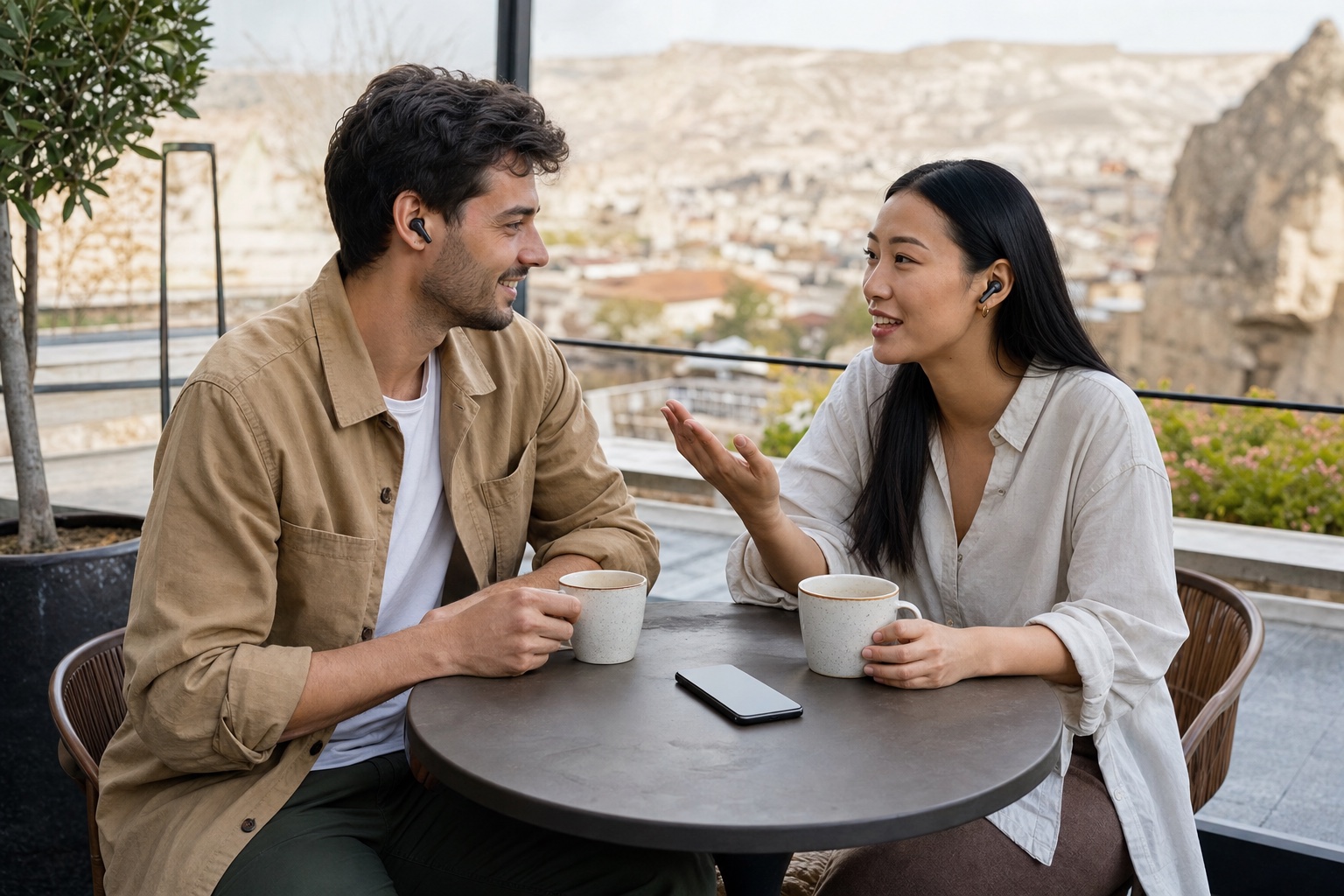
Translated speech can play through the phone speaker or earphones. During a face-to-face conversation, two people can also share one pair of earphones and wear one earbud each.
Frequently asked questions
Does conversation translation play the translated text automatically?
Yes. When one person ends their turn, the translation is generated and played in the other person's language. The exact result can also be read on screen.
Can two people each speak their own language?
Yes. Set both languages first, then have each person use the microphone for their own language. They take turns speaking, and each translated reply plays for the other person.
Can I type text directly?
Yes. For a detailed address, number, or proper name that is difficult to recognize, switch to text input. The other person can still answer by voice.
Does conversation translation keep earlier messages?
Yes. TransGull uses earlier messages as context, which is helpful when a follow-up question refers to a time, place, term, or other detail already discussed.
What is the difference between conversation translation and two-way simultaneous interpretation?
Conversation Translation starts and ends each input turn separately, making individual messages easy to review and correct. Two-Way Simultaneous Interpretation continuously recognizes both languages and is better suited to longer face-to-face exchanges with frequent back-and-forth speech.